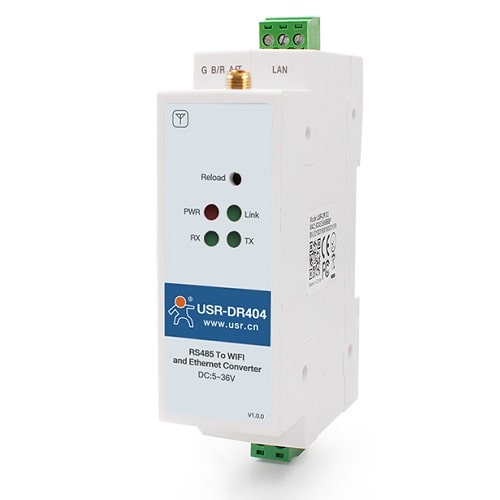
Description
Din Rail RS485 to WiFi Converters USR-DR404 Introduction
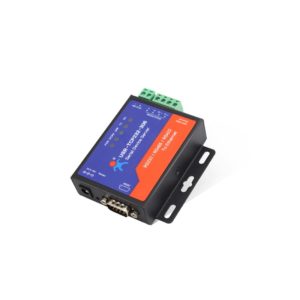
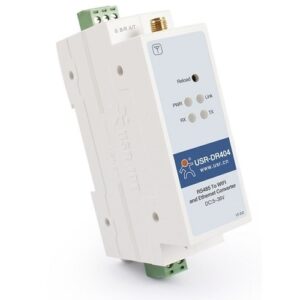
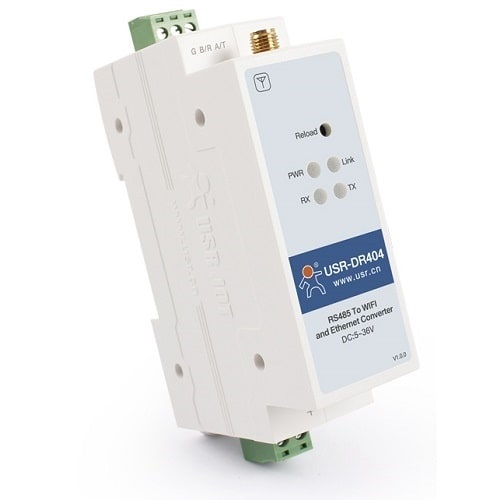
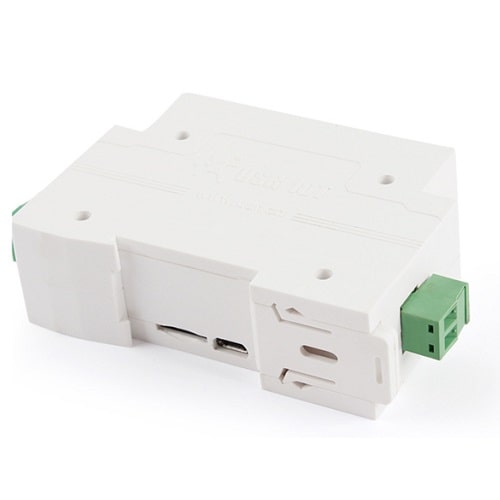
Din Rail RS485 to WiFi Converters USR-DR404 is a Din Rail RS485 to WiFi converter which can realizes bidirectional transparent transmission between RS485 and WiFi / Ethernet. PC + ABS material, light and easy to carry, low cost, high performance, V0 class flame retardant rating, to ensure the safety
- 1-port RS485 to 802.11 a/b/g/n WLAN Serial Device Server.
- Links serial and Ethernet devices to an IEEE 802.11a/b/g/n network.
- Supports TCP server/client, UDP server/client, https client, Virtual COM.
- Supports Modbus RTU to Modbus TCP.
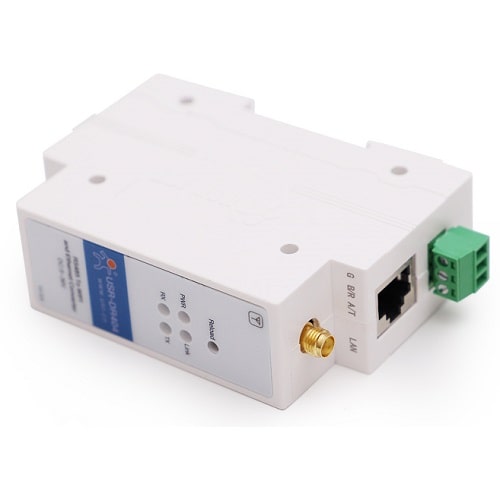
- Supports multiple networking mode with 1 RJ45 ethernet port.
- MQTT special firmware.
Din Rail RS485 to WiFi Converters USR-DR404 Features
- Modbus Gateways – Mode of transferring data between Modbus TCP and Modbus RTU.
- Socket Distribution – In transparent transmission mode, the serial device can send data to the specified Socket connection. Network data for each Socket are sent to the serial device via the serial port.
- Quick Networking Protocol USR-LINK – Mobile phone connect to the AP of DR404,you can directly set the specified AP to which DR404 connects by querying surrounding AP’s SSID list through USR-LINK, which is convenient and fast. You can quickly connect to the Internet without operating DR404.
- Custom Registration Package, Heartbeat Package – The registry package is used for easy device identification from the server.
Work Mode
- Transparent Transmission Mode -Data is transmitted transparently between serial port and Wi-Fi / Ethernet via DR404, enabling data transfer between serial port device and network device.
- Serial Command Mode – The user sends data to the server according to the protocol and can send data to different servers without restarting.
- httpsD Client Mode – After the user completes the https header with an AT instruction or web page setup, DR404 can pass data to or from the https server.
- AT Command Mode- Users can query the current status of DR404 or set relevant parameters by sending AT instructions.
Hardware Protection
- ESD 4 level Electrostatic Discharge Immunity, 3 level Surge Immunity, EFT 3 level Electrical Fast Transient / Burst Immunity.
Application
- Smart Factory Data Collection and Transmission
- Textile Machinery Factory Data Acquisition and Transmission